Inspect precisely
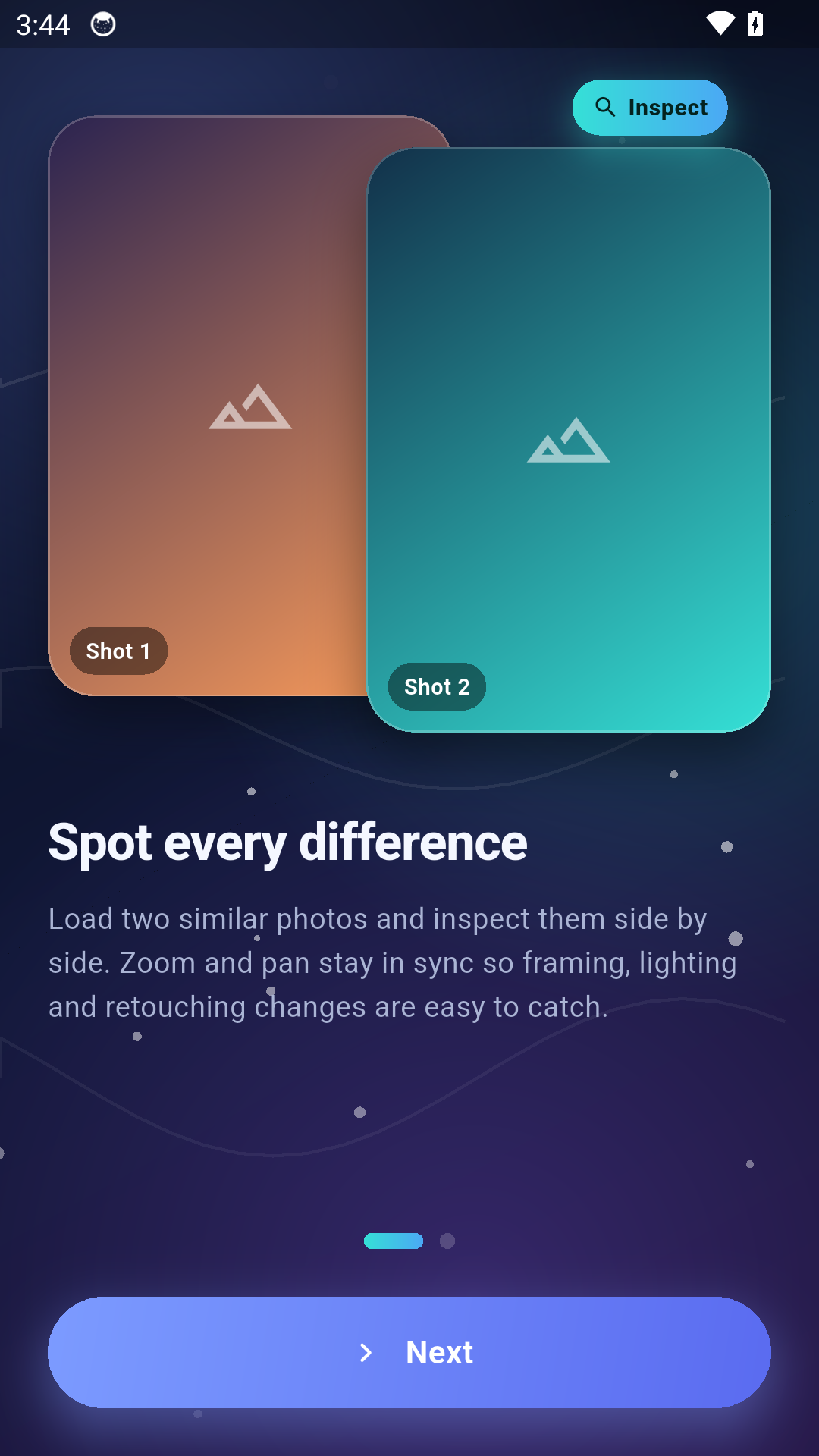
Load similar images and keep navigation aligned while checking framing, tone, edits or retouching changes.
Canadian mobile product studio
FUTURi Power Inc is building a focused mobile portfolio around practical tools, straightforward interaction and dependable release quality. Our first planned product is Photo Compare Pro.
Studio direction
FUTURi Power Inc is entering mobile software development with a deliberately lean approach: define the job clearly, reduce unnecessary interaction and make each screen easy to understand.
We are shaping internal product processes around planning, UX, visual systems, testing and launch readiness so future releases can be delivered with the same standard of clarity.
First planned release
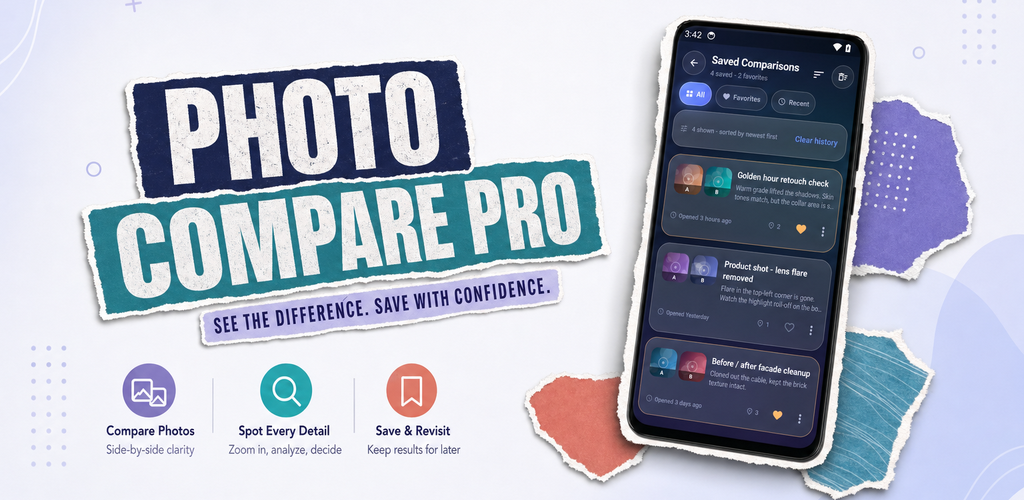
Photo Compare Pro helps users examine two images closely, keep zoom and pan aligned, and save useful comparisons for later review. The experience is designed for photography, editing, retouch checks, visual QA and any workflow where subtle differences matter.
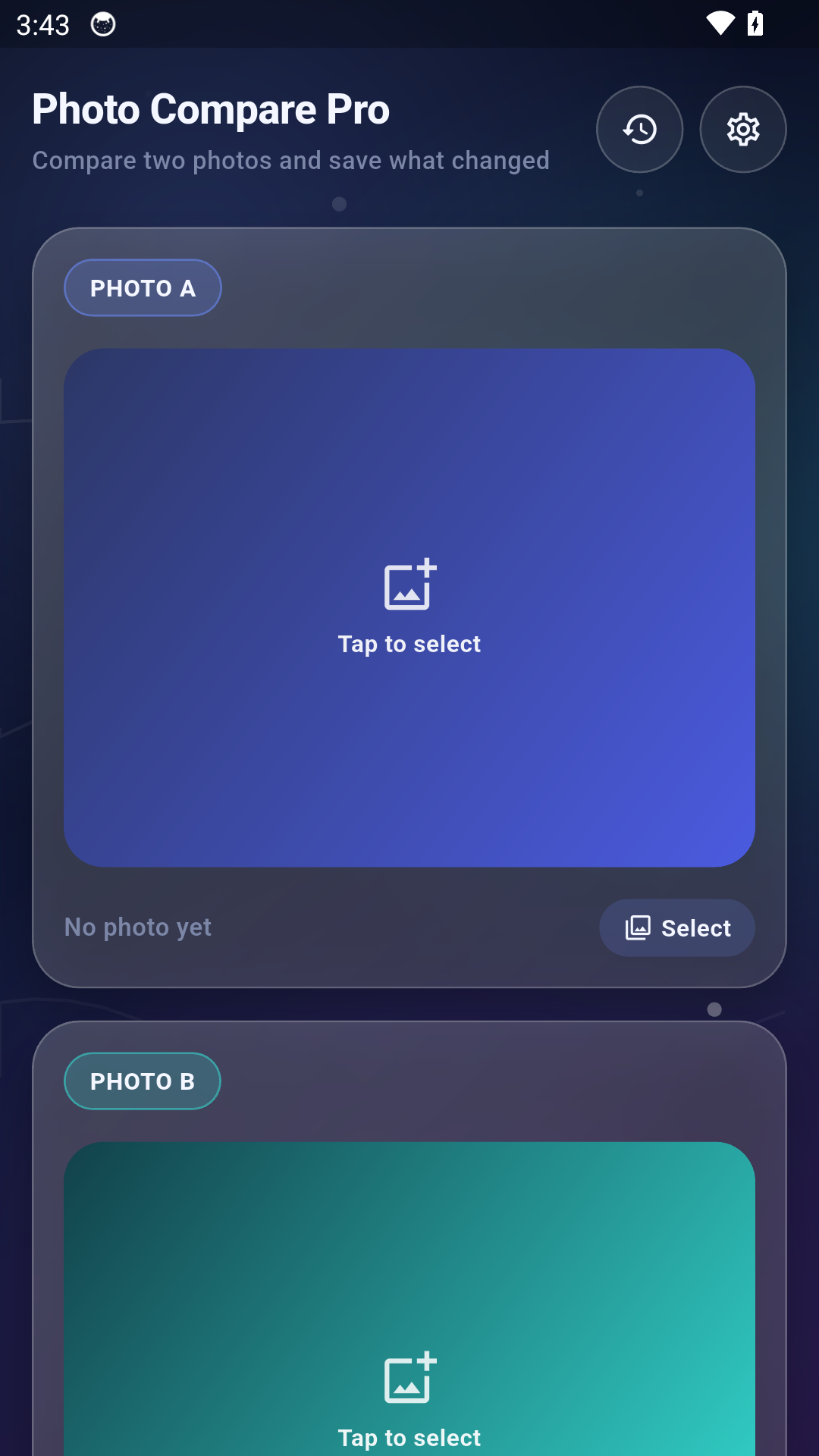
Load similar images and keep navigation aligned while checking framing, tone, edits or retouching changes.
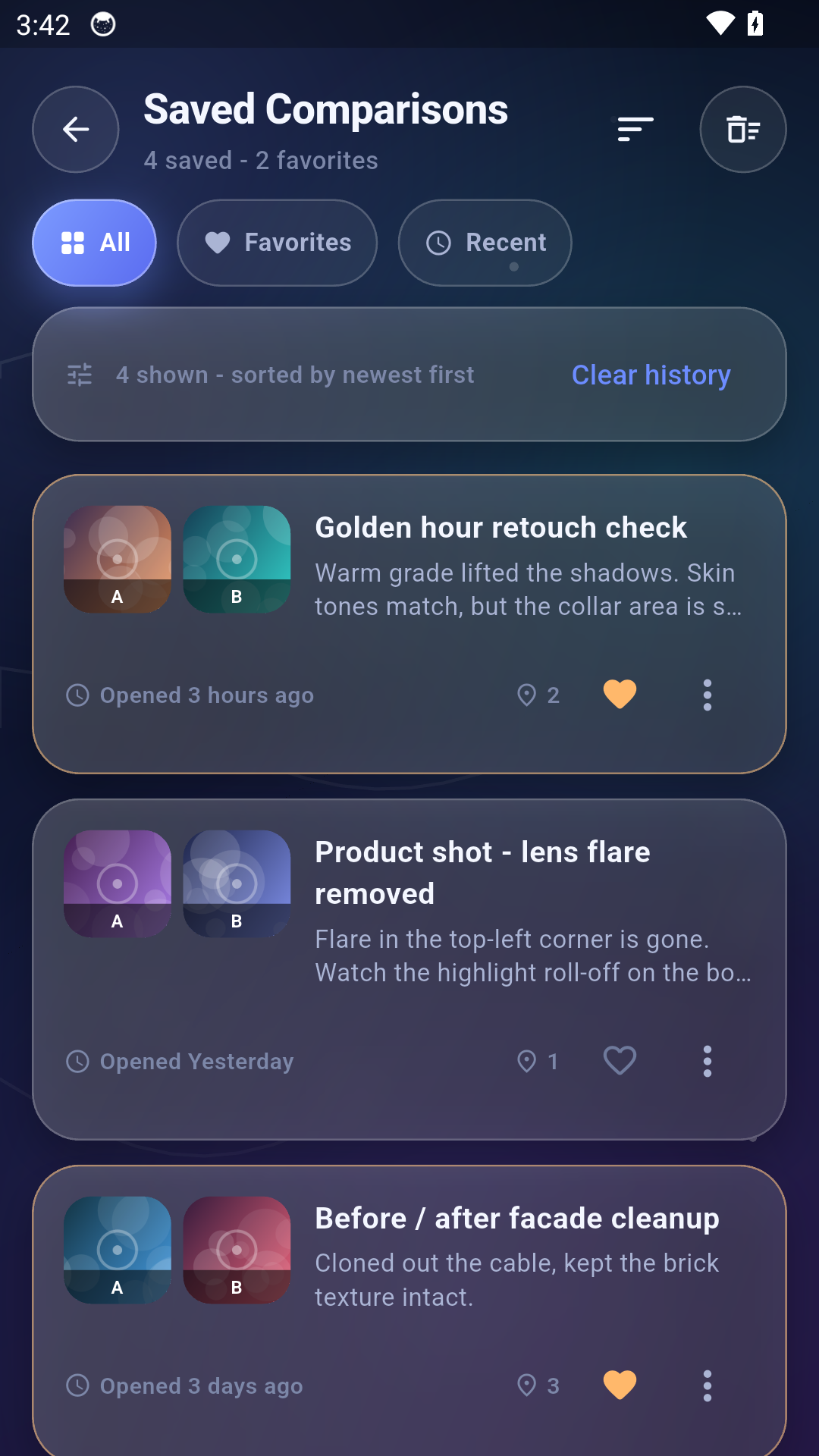
Save comparisons locally, mark important entries and return to previous visual checks without rebuilding them.
Choose side-by-side, top/bottom or overlay-style preferences and tune motion or visual intensity for comfort.
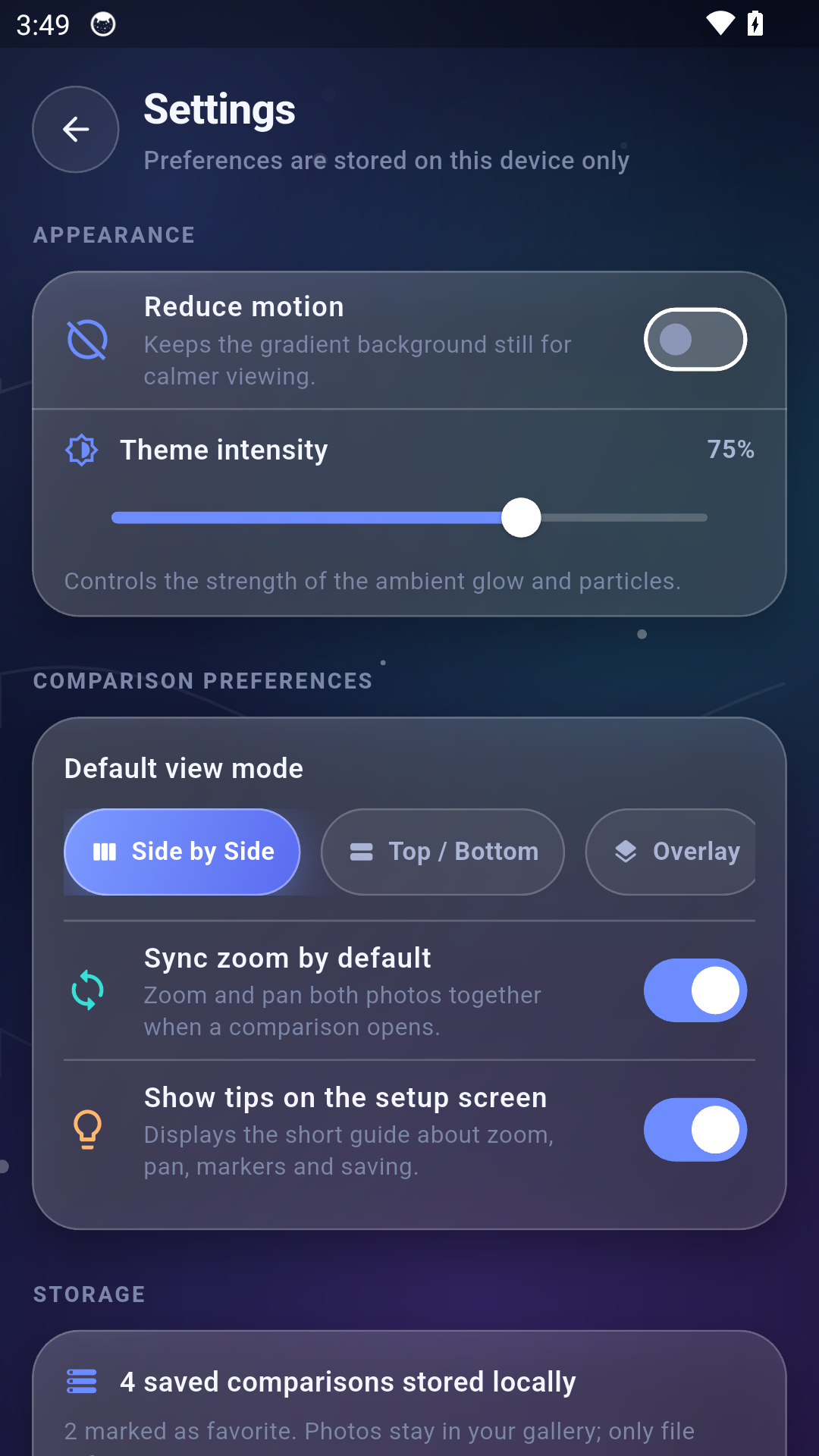
Built for calm inspection
The interface supports detailed viewing while keeping the workflow light: select, compare, inspect, save and return.
Capabilities
Feature scoping, workflow planning and practical MVP structure for clear first releases.
Screen architecture, interaction logic, visual systems and mobile-first presentation.
Organized handoff, implementation support and structured progress through build stages.
Functional testing, flow review, bug logging and user-facing consistency checks.
Store-ready content, launch assets, build checks and final readiness review.
Feedback review, improvement planning and focused updates after the initial release.
How we work
Define the user problem and the smallest useful version.
Turn the workflow into a usable interface and visual system.
Test behaviour, edge cases and clarity before release.
Prepare assets, store content and the next iteration plan.
Contact
For questions about Photo Compare Pro, product collaboration, testing or development support, contact FUTURi Power Inc directly.
111-8811 Laurel St
Vancouver, V6P 3V9
Canada